Logging
Log meals from a photo or description
Point the camera at a plate or type a quick note — Calomac returns calories and macros without opening a food database.
Meal photo and text calorie tracker
Calomac estimates calories, protein, carbs, and fat from a meal photo or a quick description, then keeps daily totals organized in one calm log.


Built for iPhone and Android users who want an AI calorie counter that works from a photo — no database hunting, no manual macro math.
Why Calomac
Every feature maps to a real screen in the app — nothing promised that isn't shipped.
Logging
Point the camera at a plate or type a quick note — Calomac returns calories and macros without opening a food database.
Totals
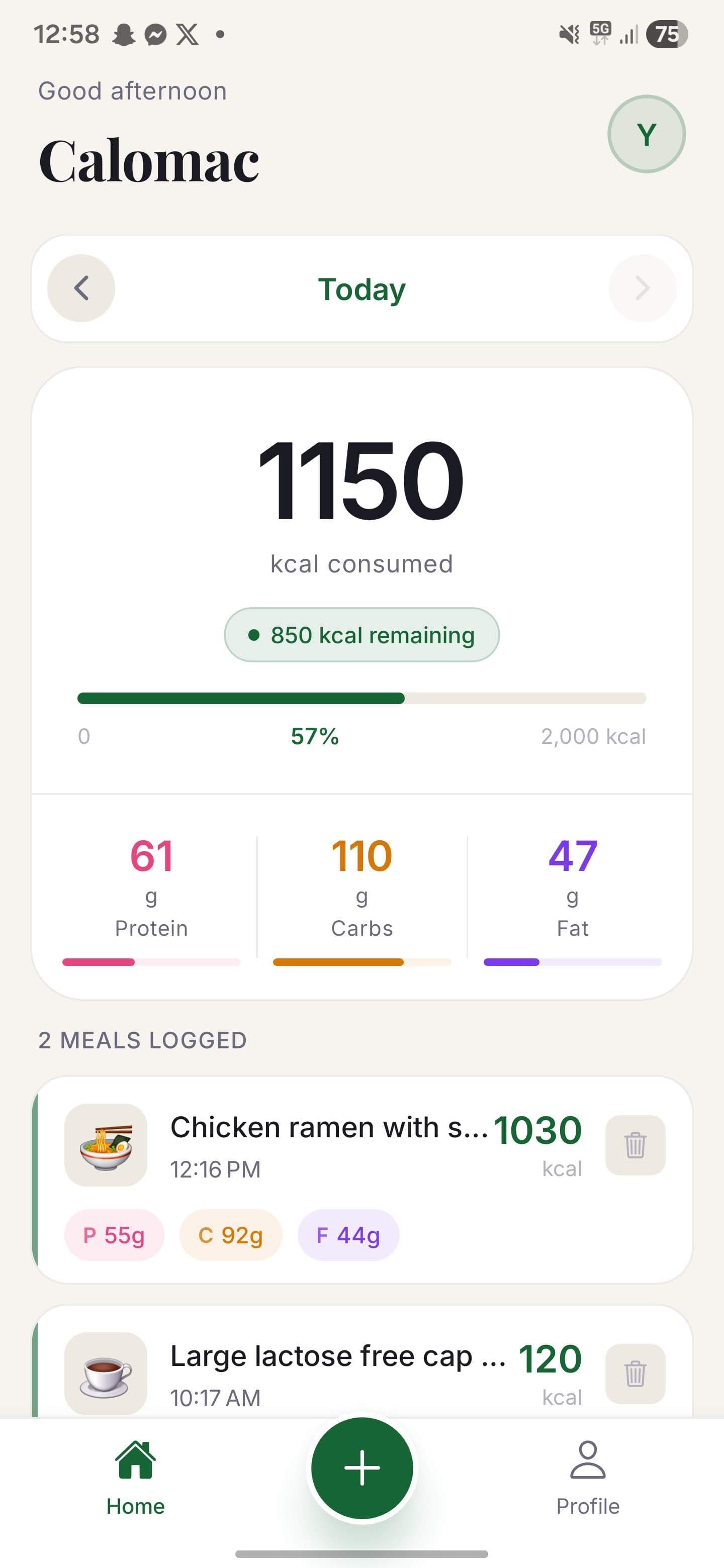
Calories, protein, carbs, and fat accumulate in a single daily view so nothing needs to be tallied by hand.
Goal
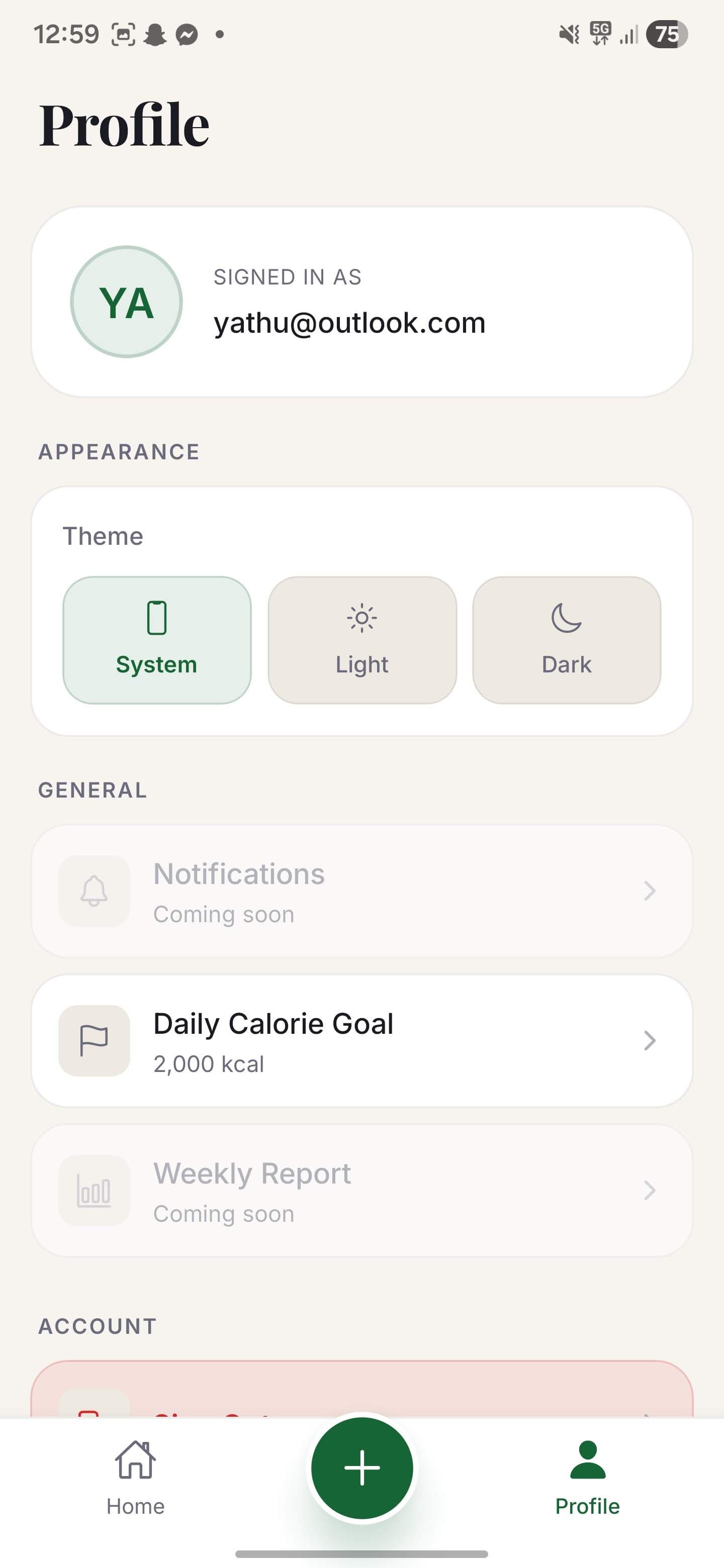
Set a daily calorie target in settings and the dashboard keeps you oriented throughout the day.
History
Use the date navigation to check any previous day while the current day stays intact in the log.
How it works
These are the three moments that define a typical Calomac session.
Input
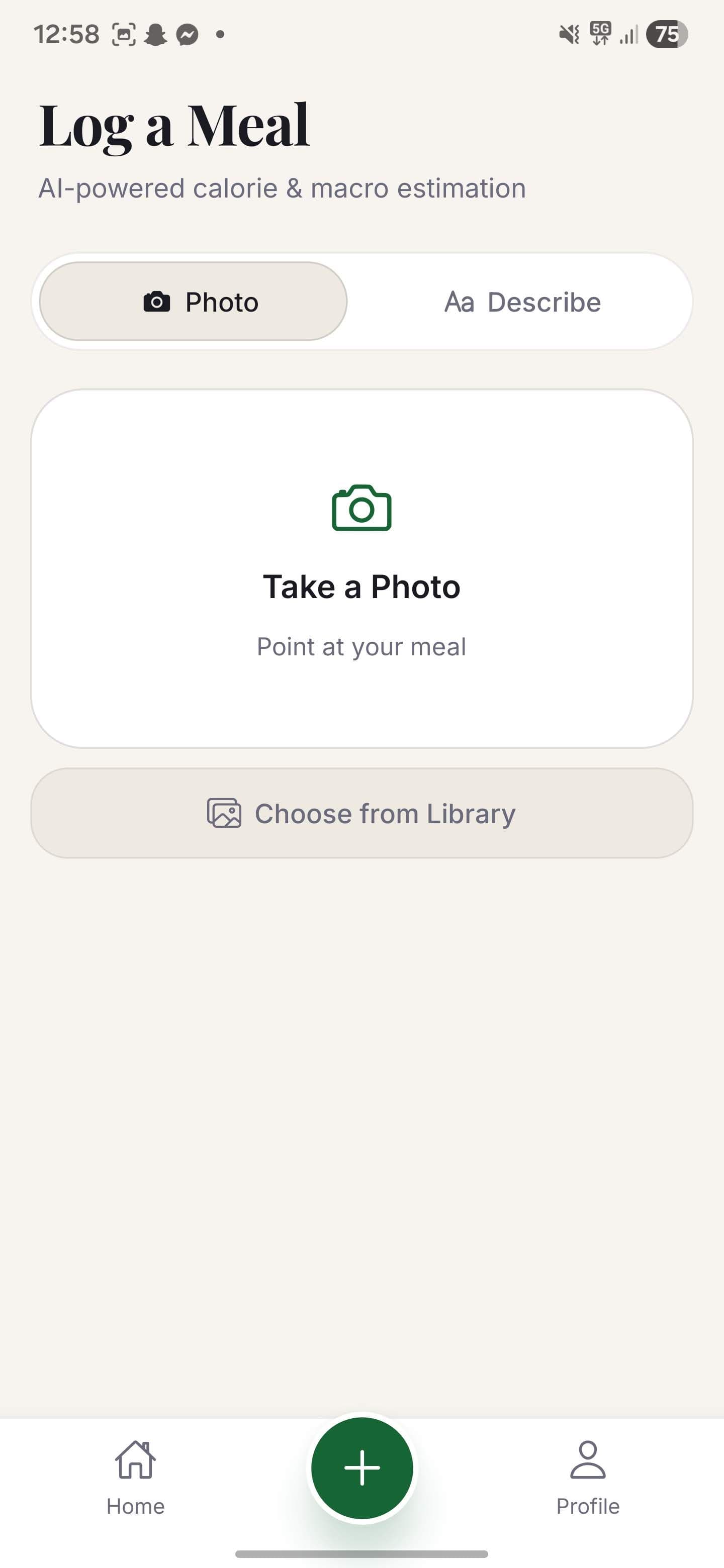
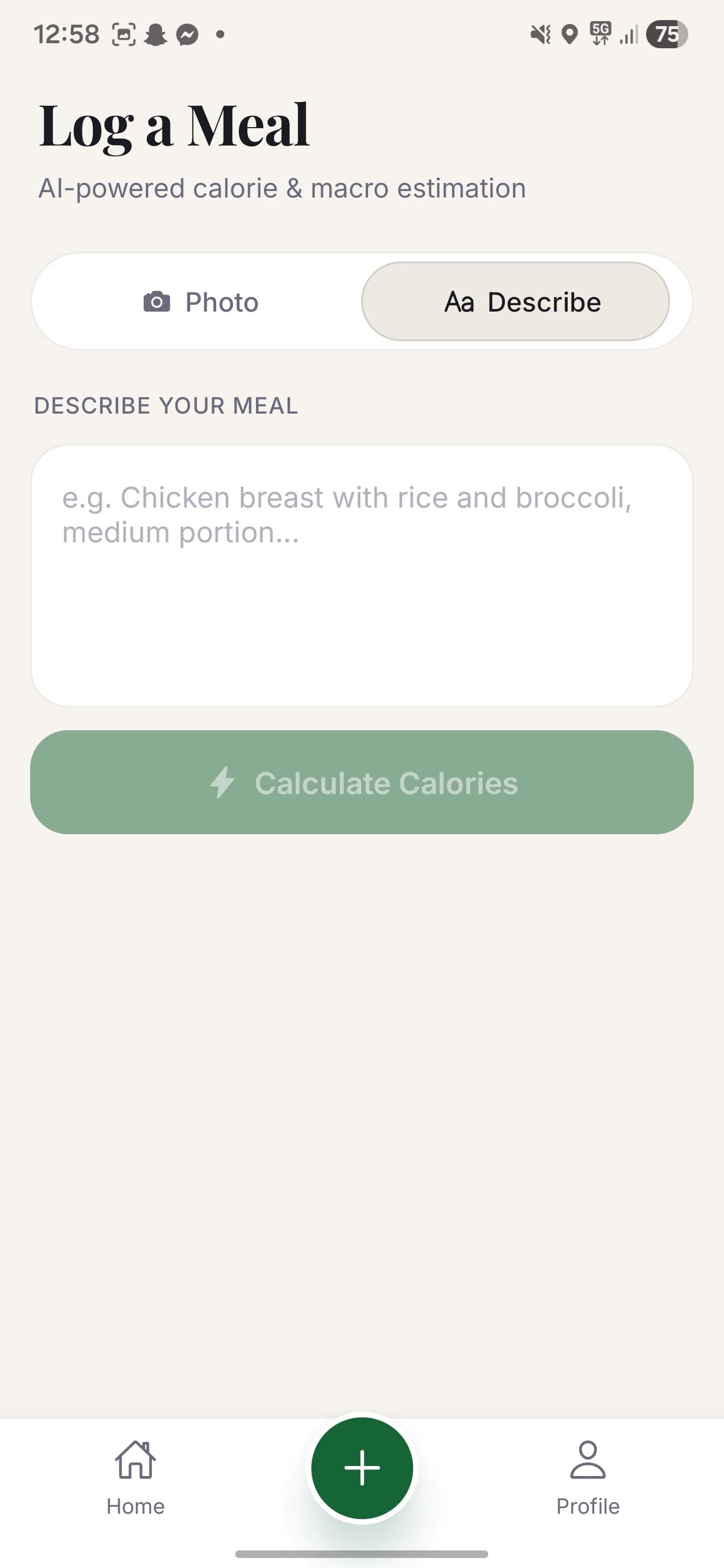
The add-meal screen offers a photo toggle and a text toggle side by side. Snap the plate when it is in front of you; type a description when that is quicker. Either way, Calomac returns an estimate in seconds.
Photo or text — your call every time.
Estimate
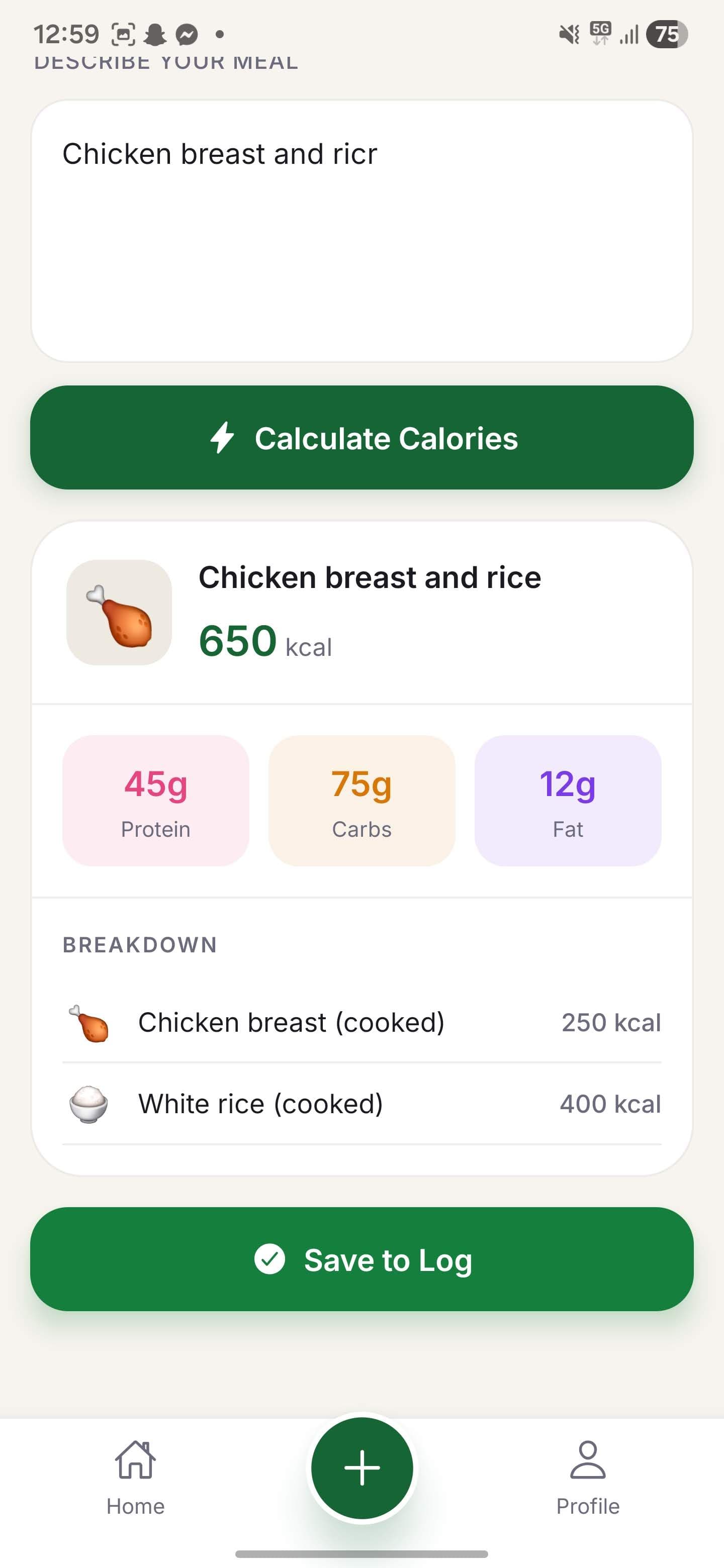
Before a meal is committed to the log, the estimate preview shows the full calorie and macro breakdown. Review, adjust if needed, then confirm — no surprises in the daily total.
Calories, protein, carbs, and fat in one look.
Dashboard
The home screen surfaces running calorie and macro totals plus a date navigation bar. Tap backward or forward to review any day without losing the current log.
Daily totals and any past day, always a tap away.
Product proof
Real screens from the app — five flows that cover everything from logging a meal to reviewing your daily totals.
01
02
03
04
05
Ready when you are
Questions
Answers to help you decide if Calomac is right for you.